
The Road To Wordy Blob 1
Wordy Blob is a word game I created using .NET MAUI. It was my third app (after Plate Techtonics Viewer and Maxwell's Demon) and it re-used some of the graphical elements I created in that second one. This blog describes the process I went through to make it. It is aimed at people with some basic knowledge of C# and .NET MAUI programming who are perhaps interested in getting started with .NET MAUI and want to see one example of how that happened.
MAUI DEV STORIES
Stephen Moreton-Howell
6/12/20265 min read
A Brief Account of the Start of the Journey
Way back last century I worked (briefly) as a high school physics teacher. It was then, as far as I remember, that I first decided that I was interested in creating educational software. Fast forward to 2002. I've been working as a software engineer for about four or five years by this time. I'm made redundant from the pharmaceuticals research startup company I've been briefly working for and decide the take the plunge into developing educational physics simulations.
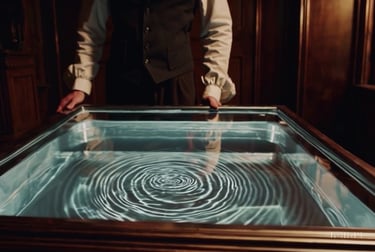
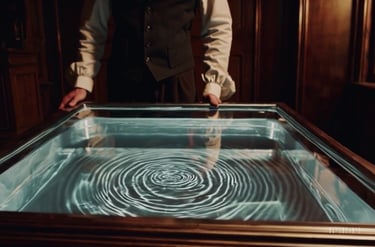
I start with a simple simulation of a ripple tank, as used in schools to demonstrate wave effects. But, with a mortgage to pay, I'm also looking for paid work. I find it, at an educational software company called Immersive Education who, among other things, also happen to be developing a ripple tank simulation! So I take the job and co-develop their physics software for schools called Krucible.
A Ripple Tank
Eight years later, I'm working in avionics software and still interested in physics education, including ripple tanks. Immersive Education went out of business but the former CEO now writes educational children's books. But it's, like, 2013 the iPad boom is in full swing and he's interested in the possibilities of transferring the books onto tablets and phones. So I quit the job and become a freelance mobile app developer. I just need a cross-platform development system that I can use to write apps in a single set of code that can target both iOS and Android. Ideally, I need something that will allow me to write code in a familiar language and that won't suddenly become obsolete and leave me high and dry just when I've spend ages developing my code base. I find it! And it's called... .NET MAUI? No. Too soon. It's called...


In the beginning...
The dream job?
The search for a cross-platform development system
Lady Marmalade
Marmalade was a system that allowed you to write code in C++ and target multiple platforms, including iOS and Android. Since most of my professional career so far had involved writing C++, it seemed like the obvious choice. So I chose it, and started writing apps. Among them were the good old ripple tank and a plate tectonics simulation.
But Marmalade suddenly became obsolete and left me high and dry just when I'd spent ages developing my code base.
Finally .NET MAUI
After a few years full-time back in the avionics business, .NET MAUI came along. By this time, most of the Windows-based software development I'd been doing had been in C#, the language used by .NET MAUI. And since it's a Microsoft technology, I can hope that it won't stop being supported, like Marmalade.


So I decide that this is the cross-platform system for me and dive in to see what it can do.
OK. I need to think of a first app that will show some of the graphical functionality of .NET MAUI, and how fast it can draw.
Don't waste the data from 10 years ago - reuse and recycle
What can it do, and how fast can it do it?
As I said, one of the apps I developed back in those marmalade days was a plate tectonics simulation. This was for the apps I was writing to compliment those educational books I mentioned. The idea was to show how the Earth's tectonic plates have moved over hundreds of millions of years. To do that I had to find a way to gather some data on those movements. Ideally I needed a database of the longitude and latitude coordinates of the edges of the continents as they moved, but I couldn't find anything like that. What I could find was animations showing the way these things are believed to have gone. So I took one of those animations, showing the continents in a Mollweide projection, and wrote a utility application, running on Windows, to help me create my database of points from it. This is it:
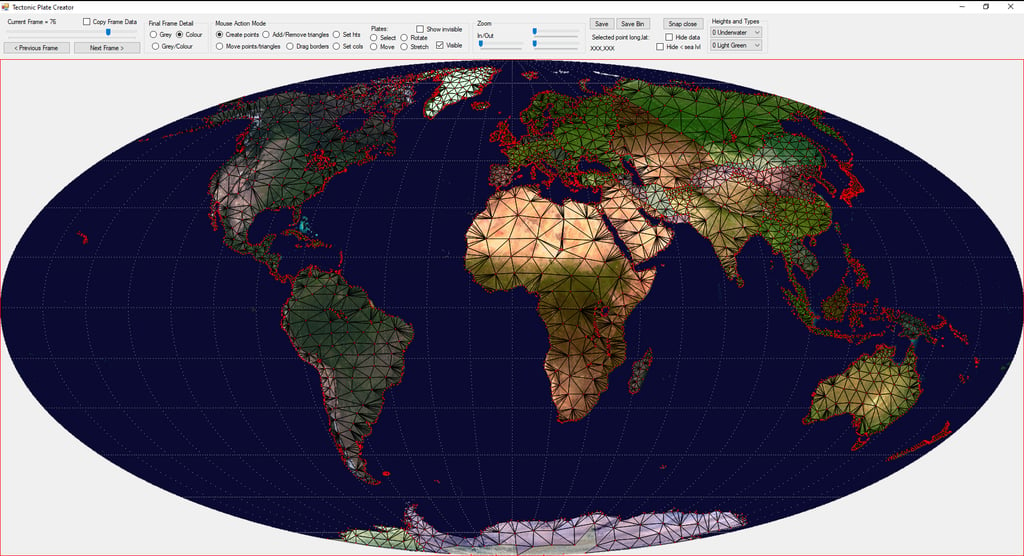
For each frame of the animation I used the mouse to draw a mesh of points representing each major land mass. Then go back a frame (each frame representing 10 million years) and move those points. Repeat until I've gone back 600 million years, and I've got a database of points, saved in a format that I can use.
I now want to design a first, simple .NET MAUI app which will draw those points and allow the user to scroll backwards and forwards through the millennia, seeing how the continents have moved.
Create a first .NET MAUI app
In Microsoft Visual Studio 2022 (as it was then) it's pretty easy to get up and running with a first "Hello World!" .NET MAUI app in a few clicks:
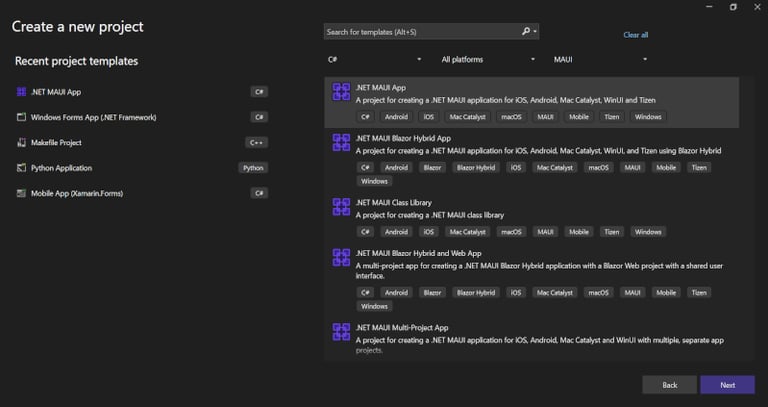
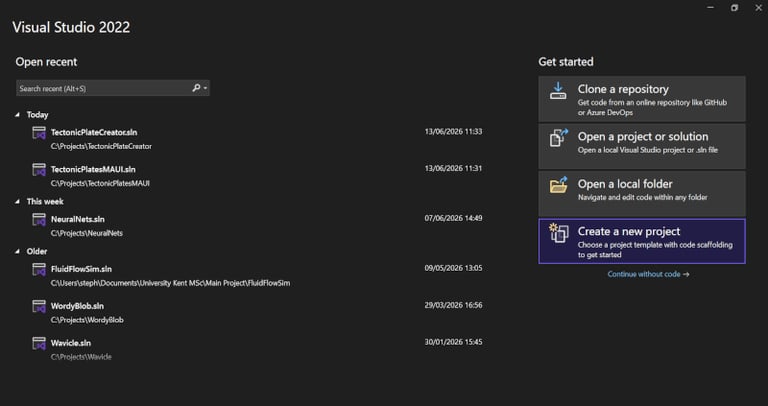
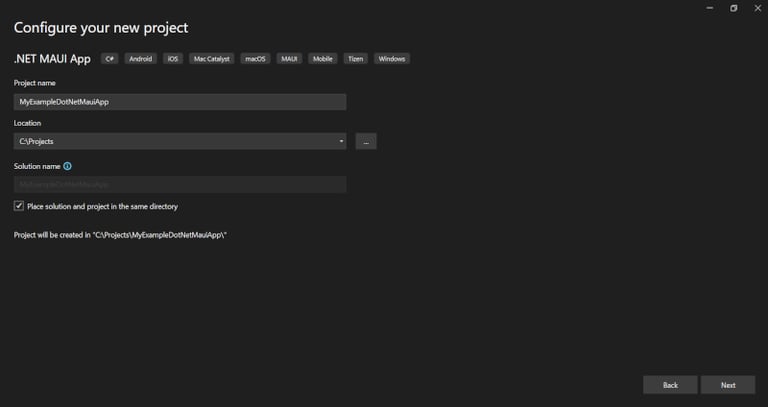
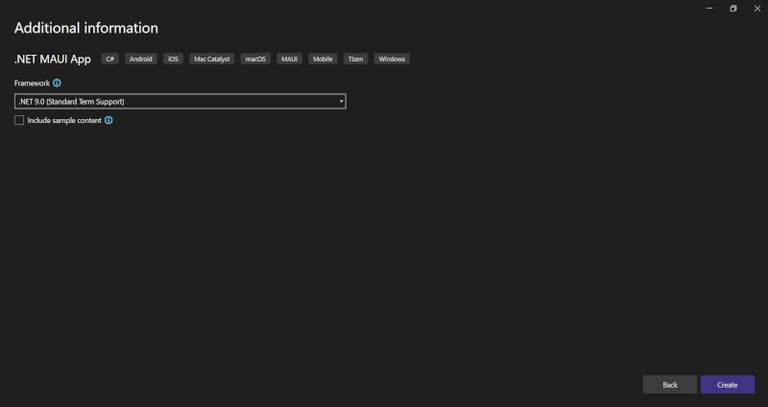
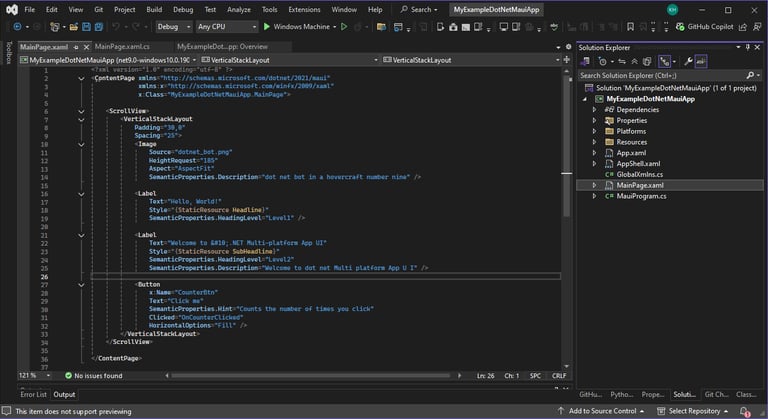
Create a new .NET MAUI app
And we've got a simple app that we can adapt to our own purposes.
The most interesting file in the project at this stage is MainPage.xaml. It defines the layout of the first page we're going to see. For my first app, I only really want this one page. I want it to contain a load of controls and a large central area in which I will draw my map.
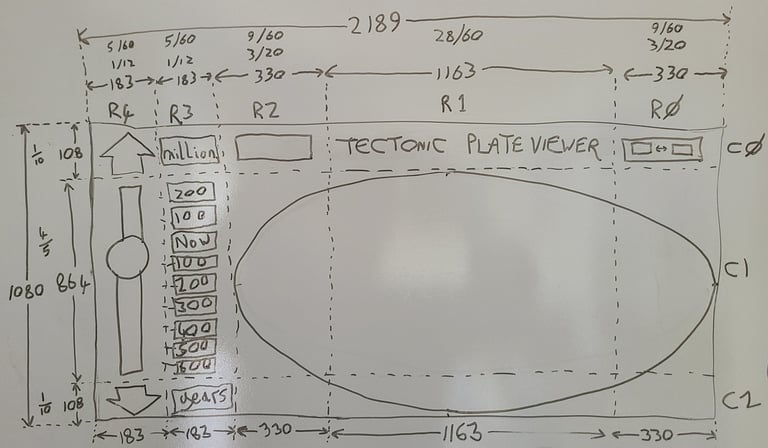
So my first task, after creating the bare-bones project, was to decide on a layout.
Below is a drawing I did as a first attempt at that.
The physics